
Best Time to Post on Instagram in 2026: A Practical Creator Guide
Use 2026 Instagram timing benchmarks, creator workflow rules, and your own audience data to build a weekly posting plan that is easier to keep.
The best time to post on Instagram in 2026 is not a single magic hour. The strongest public benchmarks point to midweek windows, especially Wednesday and Thursday, but the smarter move is turning those benchmarks into a repeatable weekly testing plan.
Free tool
Find your best posting time
Get a personalized weekly plan in about 60 seconds. No signup needed to see your schedule.
Try the free plannerThat matters because Instagram timing is only useful when it helps the post earn early attention. If your audience is awake, scrolling, and willing to interact, a strong Reel, carousel, or photo post has a better chance to collect the first saves, comments, shares, and profile taps that keep it moving.
This guide gives you the practical version: the benchmark windows worth testing, how to adapt them by content type, how to read your own account data, and how to turn timing into a weekly posting routine instead of another guessing game.
The Short Answer: Start With Midweek Instagram Windows
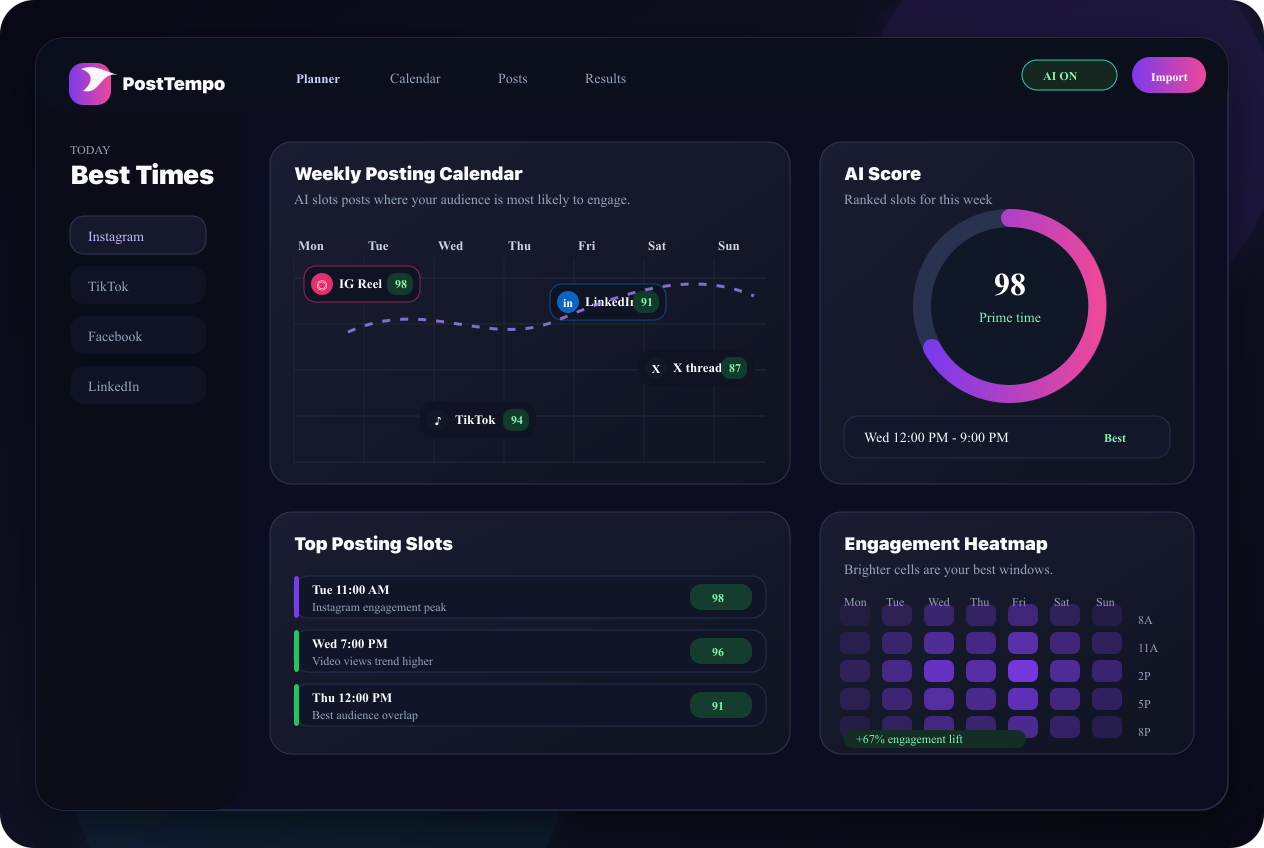
If you need a starting point this week, test Wednesday and Thursday first. Buffer's 2026 Instagram analysis of 9.6 million posts found Thursday at 9 a.m., Wednesday at noon, and Wednesday at 6 p.m. as the top time slots. Sprout Social's 2026 data points to broader engagement windows from Monday through Thursday, with Tuesday and Wednesday especially strong.
Treat those windows as a launchpad, not law. Your account may serve night-shift workers, parents, students, local restaurant fans, B2B buyers, fitness clients, or creators across multiple time zones. A benchmark tells you where to start. Your own data tells you where to stay.
- Best first tests: Wednesday 12 p.m., Wednesday 6 p.m., Thursday 9 a.m.
- Good secondary tests: Tuesday afternoon, Thursday lunch, Monday mid-afternoon.
- Use the audience's local timezone when the account serves a clear region.
- Avoid treating weekends as dead forever; test them only if your niche has weekend intent.
References and related guides
Why Timing Still Matters on Instagram
Instagram is not chronological in the old feed sense, but recency still affects the first round of exposure. A post that lands when followers are active has a better chance to earn fast interactions. Those early signals can help the post travel farther through feed, Explore, Reels, and recommendations.
Timing cannot rescue weak content. A vague carousel, low-retention Reel, or caption with no clear reason to respond will still underperform. But timing can give good content a cleaner launch. For creators and agencies, that is enough reason to build timing into the publishing workflow.
Think of timing as distribution hygiene. It is the part of the system that makes sure good work does not arrive when the room is empty. Once the team has a few reliable windows, the calendar becomes calmer because every post is no longer a last-minute decision. That is where repeatable publishing starts, and where creators stop rebuilding the week from scratch every Monday morning.
- Publish when your audience is likely to notice and respond.
- Give priority posts the strongest windows instead of posting whenever they are finished.
- Separate testing windows by content type so Reels, carousels, and stories do not get judged by the same rule.
- Review timing monthly because audience habits shift with season, niche, and content mix.
Best Time to Post Instagram Reels
For Reels, test the moments when people have enough attention to watch, replay, save, or share. Midweek lunch breaks, early evening scroll sessions, and Thursday morning windows are useful starting points. Reels can keep moving after the first hour, but the opening push still matters.
A simple first-month test is three Reel windows: Wednesday at noon, Wednesday at 6 p.m., and Thursday at 9 a.m. Keep the format similar enough to compare. Do not judge a quick tip Reel against a cinematic brand story and blame the clock.
- Use Wednesday noon for educational or save-worthy Reels.
- Use Wednesday evening for relatable, entertaining, or community-driven Reels.
- Use Thursday morning for professional, planning, or productivity-oriented Reels.
- Track retention, saves, shares, profile visits, and follows, not likes alone.
Best Time to Post Instagram Carousels
Carousels usually ask for more deliberate attention. The strongest carousel windows tend to be moments when the audience can slow down: lunch, afternoon breaks, and evening planning time. If your carousel teaches, compares, summarizes, or gives a checklist, it needs enough breathing room for swipes.
For creators, carousels are ideal for evergreen posts: frameworks, mistakes, examples, pricing explanations, before-and-after breakdowns, or weekly recaps. Post them when the audience has time to save and return.
- Test Tuesday or Wednesday afternoon for educational carousels.
- Test Wednesday evening for opinion, story, or community carousels.
- Keep the first slide specific. Timing helps, but the hook earns the swipe.
- Use saves and completion behavior as stronger signals than surface engagement.
Best Time to Post Instagram Stories
Stories work differently because they are lighter, more conversational, and more frequent. You do not need to reserve only one perfect slot. Instead, stack stories around daily attention patterns: morning check-in, lunch prompt, evening follow-up.
For accounts that sell services, coaching, content, or products, stories often perform best when they feel timely. Use them to support the main post, invite replies, share proof, show process, or ask a simple question.
- Morning: quick check-in, behind-the-scenes, poll, or agenda.
- Lunch: question sticker, reminder, or short educational frame.
- Evening: recap, soft offer, proof, or reply-driven prompt.
- Avoid posting ten disconnected story frames at once unless the sequence has a clear arc.
How to Find Your Account's Real Best Time
The real answer lives in your own account data. Start with benchmark windows, then run a clean four-week test. Keep the content format, topic quality, and creative effort as consistent as possible so you are testing time instead of testing completely different posts.
For each post, record the publish time, content type, topic, hook, reach, saves, shares, comments, profile visits, follows, and link clicks if relevant. After four weeks, look for repeated patterns. One viral outlier is not a schedule. A repeated lift across similar posts is a signal.
The cleanest method is to choose three windows and rotate them. For example, publish similar Reels on Wednesday noon, Wednesday evening, and Thursday morning across several weeks. Then do the same with carousels. This keeps the test readable and prevents the team from mistaking a stronger idea for a stronger hour.
If the account is new, do not wait for perfect data. Use the public benchmarks for the first month, then replace weak slots as your own results arrive. The goal is not to prove the internet right. The goal is to build a calendar that your actual audience responds to.
- Pick three to five timing windows and test them repeatedly.
- Compare Reels to Reels, carousels to carousels, and stories to stories.
- Use local audience time, not your own timezone, if they differ.
- Promote winning windows to recurring calendar slots and keep one slot open for experiments.
References and related guides
How Agencies Should Handle Instagram Timing
Agency accounts need one more layer of discipline because every client has a different audience. A restaurant, a B2B consultant, a fitness creator, and an ecommerce brand should not inherit the same Instagram schedule just because they share an agency calendar.
The better agency workflow is to start each client with a default benchmark plan, then graduate them into account-specific windows after enough posts have been tested. That gives the team a sensible launch schedule without pretending the first calendar is final.
Client approvals also matter. If the best slot is Wednesday at noon but approvals usually arrive Wednesday at 11:58 a.m., the schedule is fragile. Agencies should build approval deadlines around the posting window, not scramble at the moment the post should already be live.
- Create a separate timing baseline for each client or workspace.
- Protect the best windows with earlier internal approval deadlines.
- Review timing by content type during monthly reporting.
- Keep one experiment slot per client so the calendar keeps learning.
References and related guides
A Simple Weekly Instagram Posting Plan
A useful Instagram plan does not need to be complicated. For many creators, three main feed posts plus lightweight stories is enough to build consistency without turning social into a full-time job.
Start with one educational Reel, one carousel, and one proof or perspective post. Then use stories to support the week: tease the post, ask for replies, answer questions, and bring people back to the main idea.
The plan should also separate creation time from publish time. Creators often post late because they finish late. A better system batches drafts ahead of time, reviews them calmly, then lets the chosen schedule handle the final timing.
- Tuesday afternoon: educational carousel or framework.
- Wednesday noon: save-worthy Reel or short tutorial.
- Thursday 9 a.m.: authority post, case study, or planning-focused Reel.
- Stories: morning, lunch, and evening touchpoints around the main posts.
References and related guides
Common Instagram Timing Mistakes
The biggest timing mistake is changing everything at once. If every post has a different topic, format, visual quality, caption style, and publish window, you will not know what caused the result. Keep the test controlled enough to learn from it.
The second mistake is chasing a universal best time forever. Your best time can change after a content pivot, a timezone shift, a new audience segment, a seasonal pattern, or a platform behavior change. Build a review habit instead of relying on one screenshot from a benchmark report.
The third mistake is ignoring the after-post window. Timing gets the post into the room, but early replies, comment responses, story shares, and community prompts help keep it there. If a post matters, schedule time to be present after it goes live.
- Do not compare a rushed Reel against a polished carousel and blame timing.
- Do not publish only when the post is finished; assign priority posts to stronger windows.
- Do not let automation post unsupported formats without checking platform rules.
- Do not ignore comments and replies after publishing. Early interaction can extend the life of the post.
FAQ: Best Time to Post on Instagram
What is the best time to post on Instagram in 2026?
A strong starting point is Wednesday at noon, Wednesday at 6 p.m., and Thursday at 9 a.m., based on major 2026 benchmark studies. Your own audience data should decide the final schedule.
Is morning or evening better for Instagram?
Both can work. Thursday morning appears strong in Buffer's 2026 data, while evenings perform well across many weekdays. Test both against similar content before choosing one.
Should creators post on Instagram every day?
Not if daily posting lowers quality or burns out the creator. A consistent weekly plan with strong posts at tested times usually beats rushed daily posting.
Do Reels and carousels need different posting times?
They should be tested separately. Reels depend heavily on watch behavior and sharing, while carousels often need save-worthy attention and swipes.
How can PostTempo help with Instagram timing?
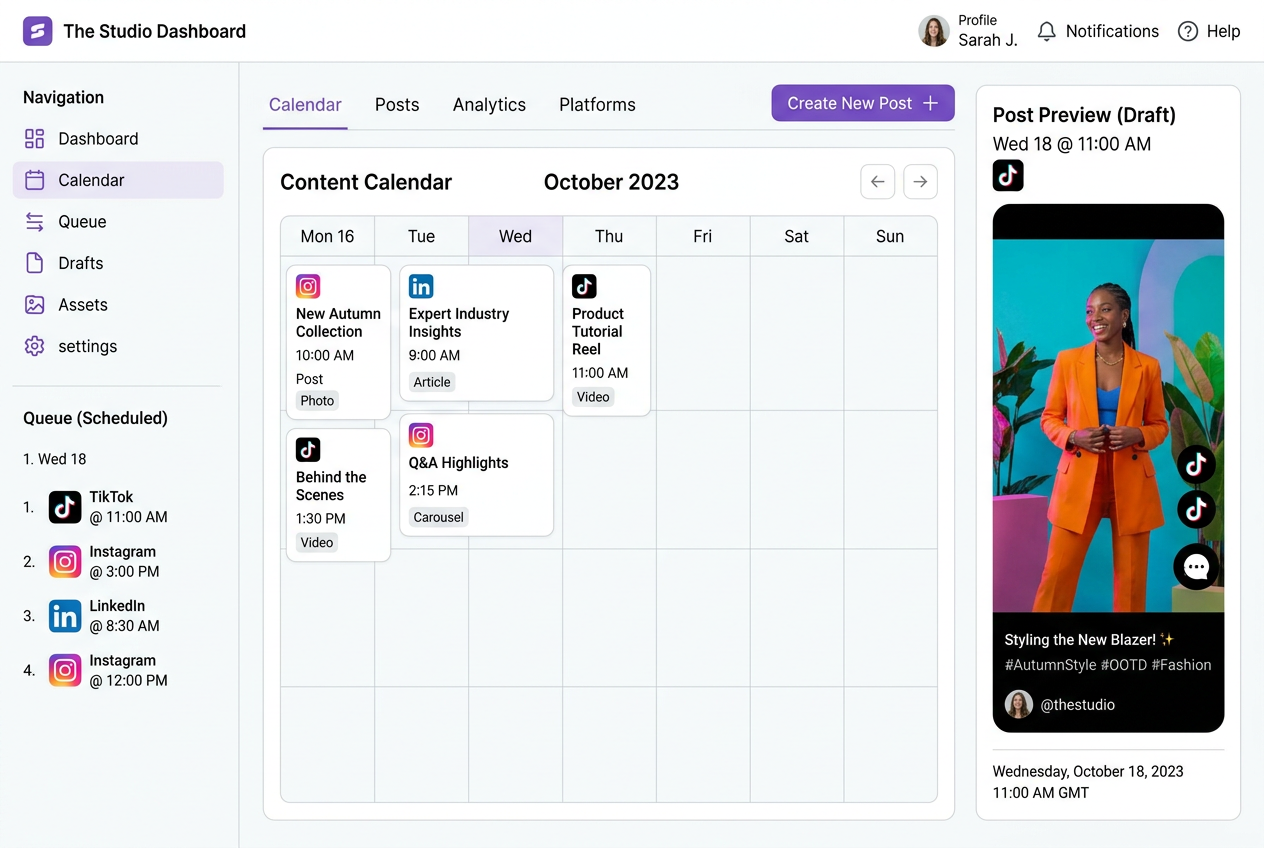
PostTempo helps creators build a weekly posting plan, test stronger timing windows, preview posts, and keep the calendar organized before publishing.
Sources
Weekly Rhythm Report
One chart. One tactic. Every Sunday.
The best posting window of the week, one platform breakdown, and one growth tactic. Read in 90 seconds.
No spam. Unsubscribe anytime.