
Best time to post on Threads
Start a Threads posting experiment with a suggested weekly schedule. Choose a goal and audience, then compare the proposed windows with your own account results.
How to test Threads posting windows
Threads behaves more like a conversation than a broadcast grid. Evening windows are a reasonable first test if that is when your readers reply. Judge the test by replies from the right accounts.
The PostTempo publisher allows Threads text up to 500 characters, plus photo, video, or carousel when the account's scopes allow them. Do not reuse an X thread as if it were one Threads post.
- Post at the same evening hour on two weekdays.
- Keep the topic narrow so you are not comparing a meme with an announcement.
- Schedule the repeat from the Threads scheduler after the window holds up.
Find posting windows to test with your audience.
Build a suggested weekly schedule from platform timing profiles, adjusted for your selected goals and audience. Four taps, no sign-up.
How to use your suggested posting times
The free planner uses hand-authored platform timing profiles and rules. Your selected audience, goal, content, and posting frequency adjust the recommendations. It does not read your account analytics, analyze billions of live engagements, or guarantee reach.
- Select the networks you use and a posting frequency you can maintain.
- Review each suggested window against your audience's timezone and your team's availability.
- Run a consistent posting experiment, recording format, topic, time, and outcome.
- Use your own account results to adjust the next schedule. Timing is one input alongside content quality and audience fit.
Explore timing by platform
Keep your test organized with the content calendar template, or compare scheduling tools when you are ready to publish.
Frequently asked questions
We never see your password
You control access at all times
SSL encrypted
Every connection is secure
No password storage
OAuth 2.0, the industry standard
Save your personalized schedule
Choose how you want to keep or publish your plan
Email me the PDF
Get your 7-day schedule sent to your inbox
Download PDF
Save a PDF of your heatmap and top windows
Auto-post this schedule
Turn this plan into weekly posts with Pro
Free users can generate schedules. Upgrade to Pro for AI Studio, image credits, and weekly auto-posting.
Turn this schedule into published posts
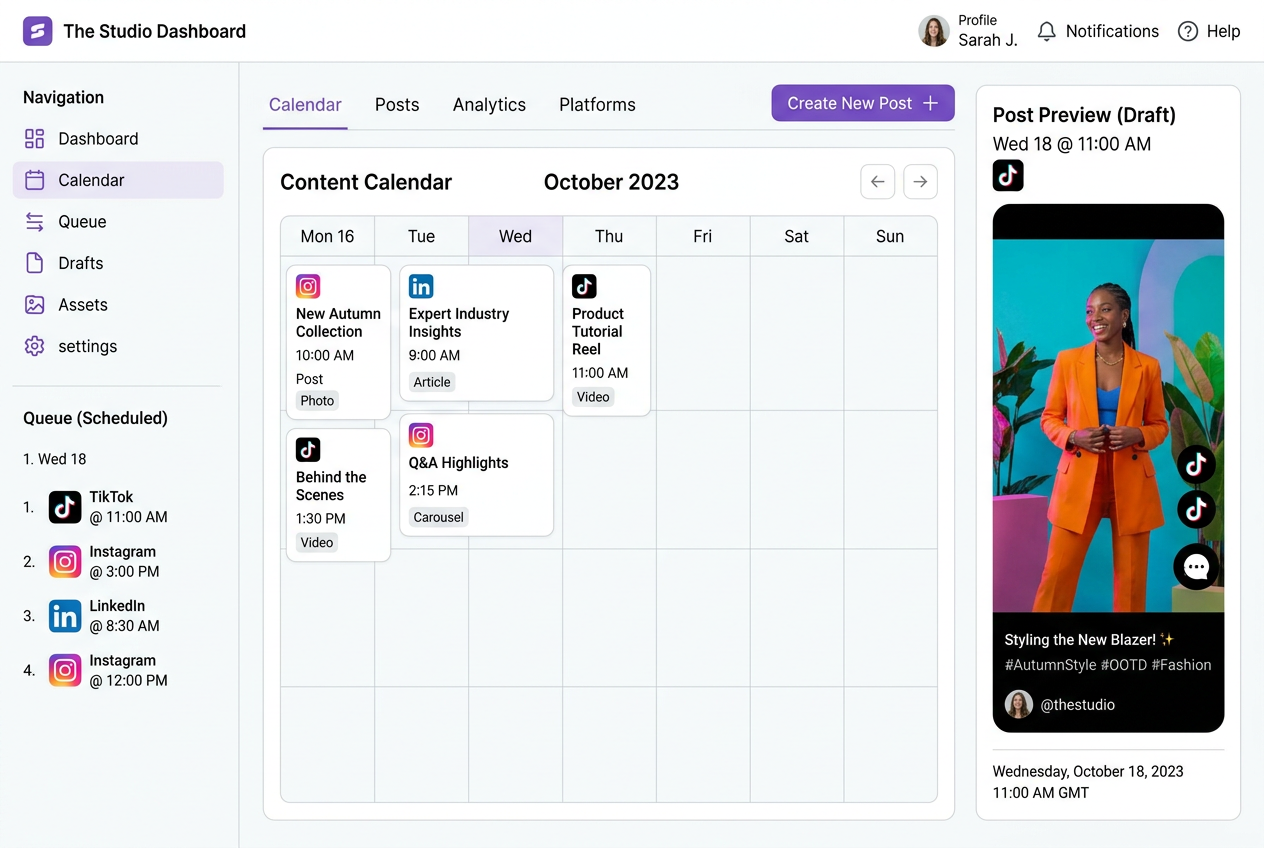
PostTempo takes your best-time schedule and turns it into platform-ready drafts with AI-powered captions, previews, and publishing controls for your connected channels.
Ready to publish consistently?
Free
Trying PostTempo
- Best-time planner
- 7-day heatmap
- Top 4 posting windows
- Download as PDF
Creator
Solo creators
- Everything in Free
- 8 connected platforms
- 100 active scheduled posts
- Best-time suggestions
- $15/mo billed annually
Pro
AI-powered publishing
- Everything in Creator
- Full AI Studio
- 2,500 AI assists/month
- 100 image credits/month
- Rewrite for each platform
- $29/mo billed annually
Agency
Teams and clients
- Everything in Pro
- 10,000 AI assists/month
- 500 image credits/month
- Approval steps
- Brand workspaces
- Priority support